
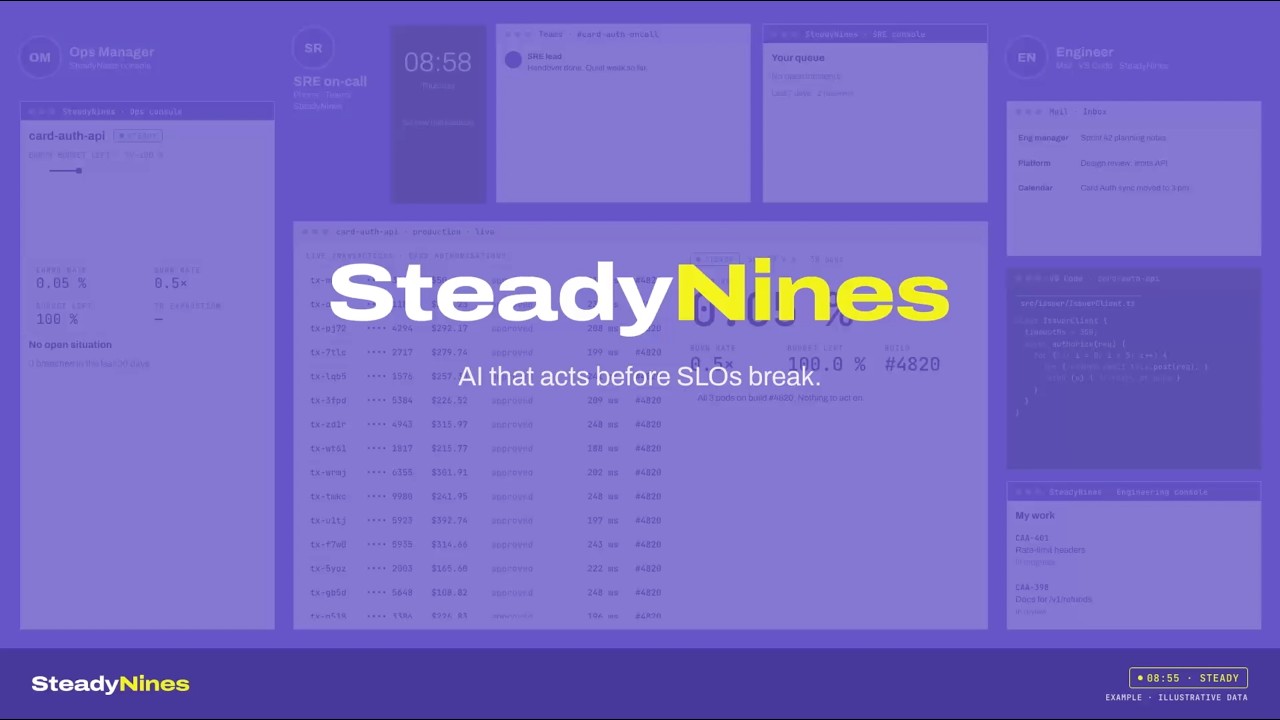
AI that acts before SLOs break.
SteadyNines watches the error budget burn rate of every SLO and stops the burn while there’s still budget left. Rollbacks, scaling and code fixes, approved by your engineers from Teams, their phone or VS Code.
What is SteadyNines?
SteadyNines is a pre-breach SLO management system. Most SLO tools tell you when an SLO has already broken. SteadyNines acts on burn rate, the speed at which an error budget is being spent, so the problem is stopped while budget is still left. It connects what operations sees with what engineering changed, then fixes the cause in code.
Your tools see the burn. Then they wait for someone.
| Today’s tools | What they do | Where they stop |
|---|---|---|
| SLO and observability tools | Detect the burn and alert someone | A person investigates across tools |
| AI SRE tools | Investigate once an incident is open | They start after an incident is raised |
| Coding agents | Fix what someone reports | They start after someone notices |
| SteadyNines | Traces, stops with approval, verifies, fixes in code | Acts on the burn, before it becomes a larger reliability problem |
One loop, from first burn to final fix.
See how it worksDetect.
SteadyNines tracks burn rate on every SLO over short and long windows and opens a situation the moment it crosses your threshold.
Burn rate14.4×Budget left71%Alerts fired0Trace.
Lattice, the context graph, links the burn to the deploy, config change, dependency or ticket behind it, with evidence.
- SLOcard-auth 99.9% / 30 d
- Servicecard-auth-api
- Dependencyissuer-gateway · retries ×6 · errors 0.9%
- Deploy#4821 · issuer retries · 02:11
- Commit7c2e91a
Stop & Verify.
The AI SRE proposes the safest fix (roll back, scale, restart, fail over, patch) and sends it to on-call for one-tap approval. Then it watches the burn and confirms it is back under 1× and holding. If it isn’t, the situation goes back to on-call with what was tried.
Burning 14.4×card-auth-api · availability 99.9% / 30 dBudget left71%Gone in~2 daysSince02:14Proposed actionRoll back card-auth-api to #4820
Expected burn after: < 1×.
Burn rate14.4× → 0.8×Held under 1×15 minBudget left71%Fix.
The AI Engineer drafts the code fix in VS Code, with the trail from SLO to commit attached.
Learn.
The situation and its outcome are stored. Next time, SteadyNines starts from what worked.
- First time · 04 MarAsk42 min to stop
- Second time · 11 AprAsk6 min to stop
- Third time · 19 MayRun and report40 s to stop
Try it
Try to break this SLO.
Push the error rate up and watch the error budget burn. SteadyNines spots the burn, finds the cause and asks you to approve the fix before the SLO breaks.
- Burn rate
- 0.8×
- Budget left
- 71%
- Time to exhaustion
- 26.5 days
- Status
- Example run
Simulated service and data. One second here is about six hours of a real 30-day SLO window. · Open full screen
In this simulation card-auth-api has a 99.9% availability SLO over 30 days, so 0.1% errors is the allowed rate. Pushing the error rate above that burns the error budget: at 1.44% errors the burn rate is 14.4× and the budget would be gone in about two days; at 3.6% it is 36× and gone in 20 hours. Once the burn has run at 6× or more for an hour, SteadyNines opens a situation, names deploy #4821 (issuer retries) as the likely cause and proposes rolling back to #4820. Approving the rollback stops the burn with most of the budget left. A slow leak between 1× and 6× becomes a ticket with a fix drafted for the AI Engineer instead. Doing nothing breaches the SLO, which is where most tools start.
One SLO, burning to steady, in under two minutes.
Burn rate crosses the line. The AI SRE pages on-call with the likely cause attached. One click in Teams approves the rollback. The AI Engineer drafts the fix in VS Code, and the Learning Engine keeps the lesson. No slides.
Six parts, one loop.
Lattice
The context graph: code, systems, infrastructure, ITSM and SLOs, discovered and connected into one live map.
AI SRE
Stops the burn with rollbacks, scaling and patches your team approves.
AI Engineer
Removes the cause with a drafted fix in the developer’s editor.
Learning Engine
Turns every situation into a record, so repeats get faster.
Autonomy Controls
Propose, ask, or run and report, set per situation type.
Automatic records
Incident and problem records written as the work happens.
You decide how far it goes on its own.
The head of operations sets an autonomy level for each type of situation. New situations start at Propose or Ask. Once your team has approved the same fix enough times, you can let SteadyNines run it and report back. Autonomy is earned.
“Ready to roll back deploy #4821. Approve?”
Nobody changes their tools.
Microsoft Teams, Mobile, VS Code, OpenTelemetry, Prometheus, Datadog, Grafana, ServiceNow, Jira, Azure DevOps, GitHub, AWS, Azure, Kubernetes, Kafka, 250+ connectors
Built for estates that can’t go down
SteadyNines cloud on AWS, or fully on-premises.
- Lattice
- Learning Engine
- AI SRE and AI Engineer
- Audit trail, exportable
| Where actions run | Inside your estate, through the SteadyNines executor |
| Language models | Claude via AWS Bedrock, OpenAI, Azure OpenAI, or on-prem models |
| Access | Single sign-on and approval rights by role |
| Audit | Every proposal, approval and action recorded |
Steady is a decision,not luck.
We spent 17, 14 and 10 years building AIOps products for major managed service providers. The enterprises we worked with kept asking for the same thing: not a better alert, but a way to keep their SLOs met. SteadyNines is what we built with them.
Questions
What is SteadyNines?
A pre-breach SLO management system that acts on error budget burn rate to stop SLO breaches before they happen, across operations and code.
What is error budget burn rate?
How fast an SLO spends its error budget compared with the pace that would spend it exactly over the window. At 1 the budget lasts the window; at 10 it’s gone ten times faster.
How is it different from Nobl9 or Datadog SLOs?
Those tools measure SLOs and alert, and some remediate, on their own data. SteadyNines reads every tool, acts on the first burn with your approval, and fixes the cause in code. Their alerts are a signal it acts on, so they stay where they are.
How is it different from AI SRE tools?
They usually start once an incident is escalated. SteadyNines starts on burn rate, before breach, and carries the work through to the code fix.
Does it act without approval?
Only for situation types you’ve allowed. Everything starts at Propose or Ask.
Can it run on-premises?
Yes. The executor runs inside your estate, and on-prem models are supported.
Who is it for?
SRE, platform and operations teams at enterprises, global capability centres and managed service providers.
How is it priced?
Annual subscription based on the estate under management. See pricing →
Keep your nines steady.
Start with one SLO. See the loop work in your estate in two to four weeks.